Sell Gift Cards Fast and Safely.
Submit your gift cards, track every order, and withdraw your balance—all in one app.
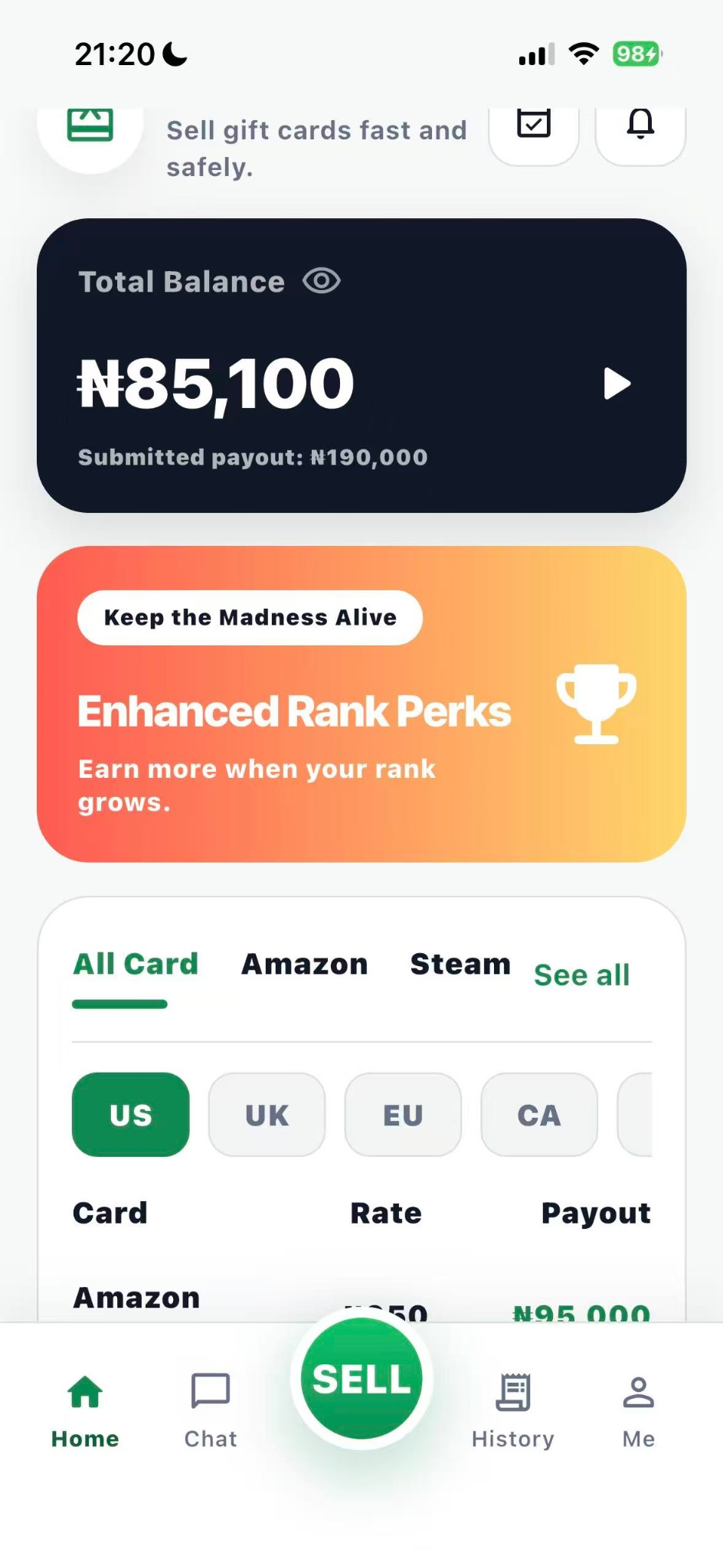

App screens are shown for illustration. Rates and payouts may vary after review.
Everything in one app
A simpler way to manage your gift card journey.
From submission to withdrawal, Hanison keeps the important steps together in one clear experience.
Quick submissions
Enter your card details and submit them directly through the Hanison app.
Order tracking
Follow each submission and check its current status from your account.
Balance overview
See your available balance and account information in one organized place.
Withdrawal requests
Submit a withdrawal request from the app when your balance is available.
How it works
Five clear steps from card to withdrawal.
Get started in the app and keep track of your activity as it moves forward.
Create an account
Register and sign in to Hanison.
Submit a gift card
Add the required card details.
Wait for review
Follow the order status in the app.
Receive balance
View the credited balance in your account.
Request withdrawal
Send your withdrawal request from Hanison.
Ready to get started with Hanison?
Download the app for iPhone or Android and manage your gift card activity wherever you are.